
Building and installing OpenCore
Now that we have a macOS installer, let's now build our OpenCore configuration!
If you haven't downloaded OpenCore Patcher yet, do so now:
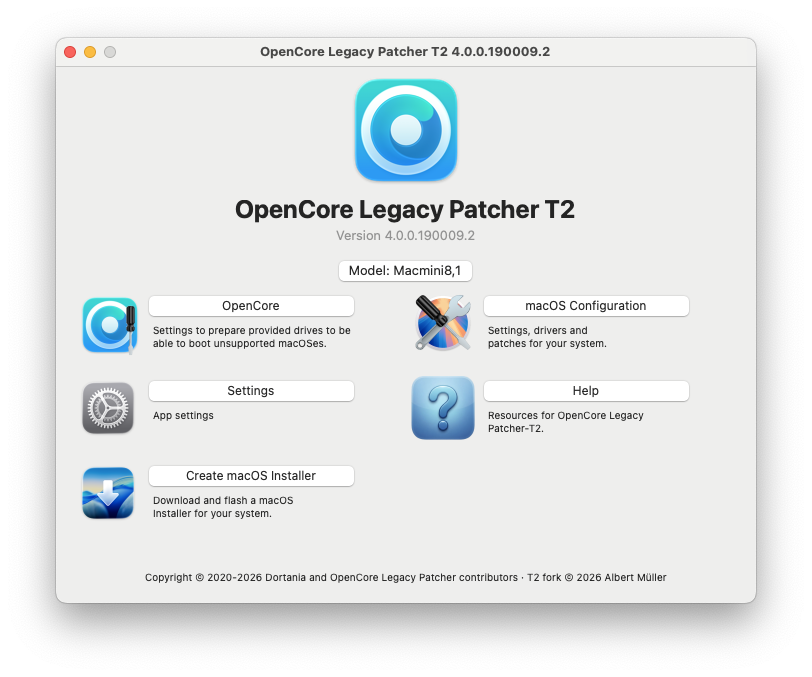
Next, run the OpenCore-Patcher-T2.app
Here we'll select OpenCore and click Install OpenCore:
WARNING
OpenCore configurations are hardware specific. If you're building OpenCore for a different model than you're currently running, it is absolutely necessary to select the proper model from Settings.
| Start Building | Finished Building |
|---|---|
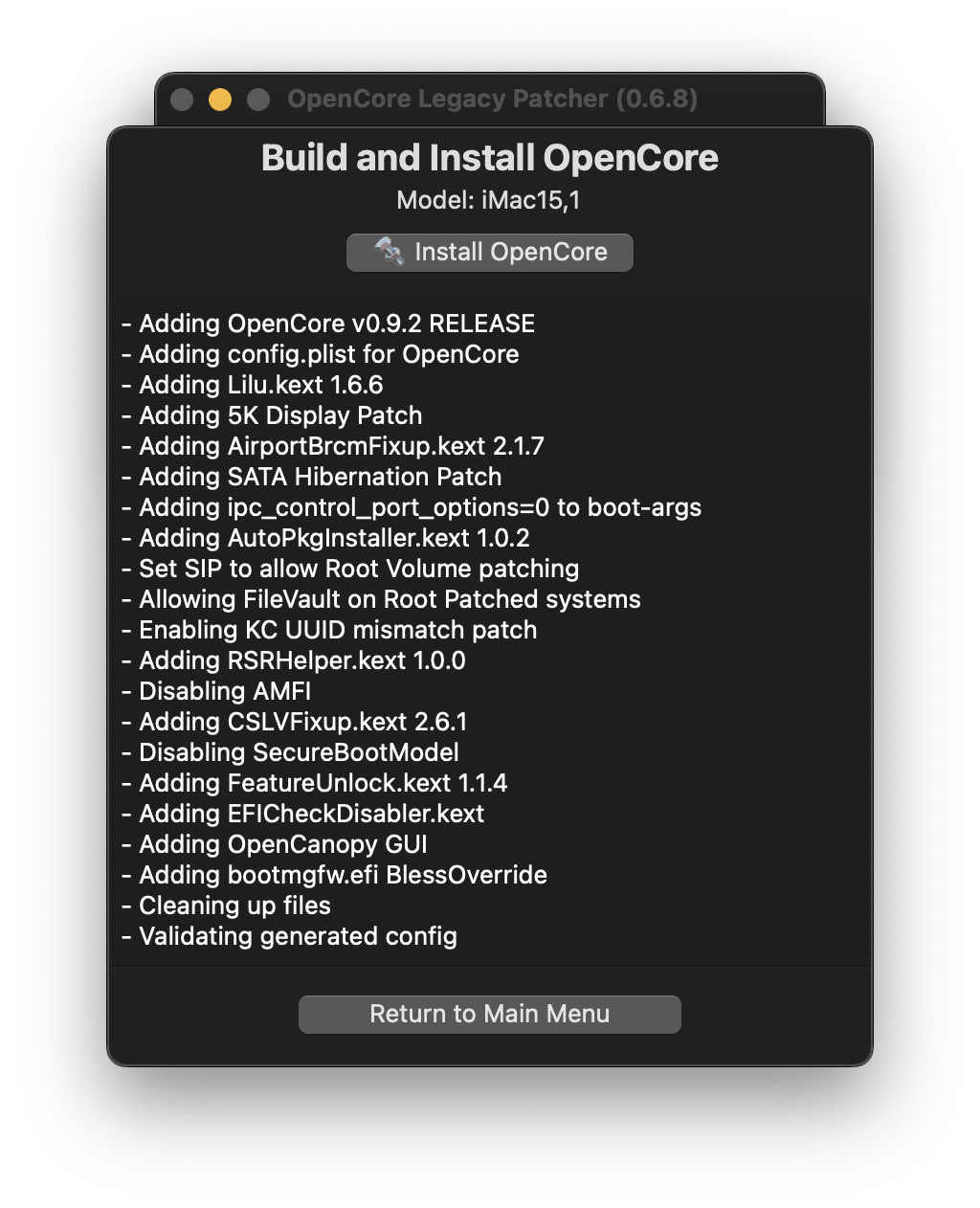 | 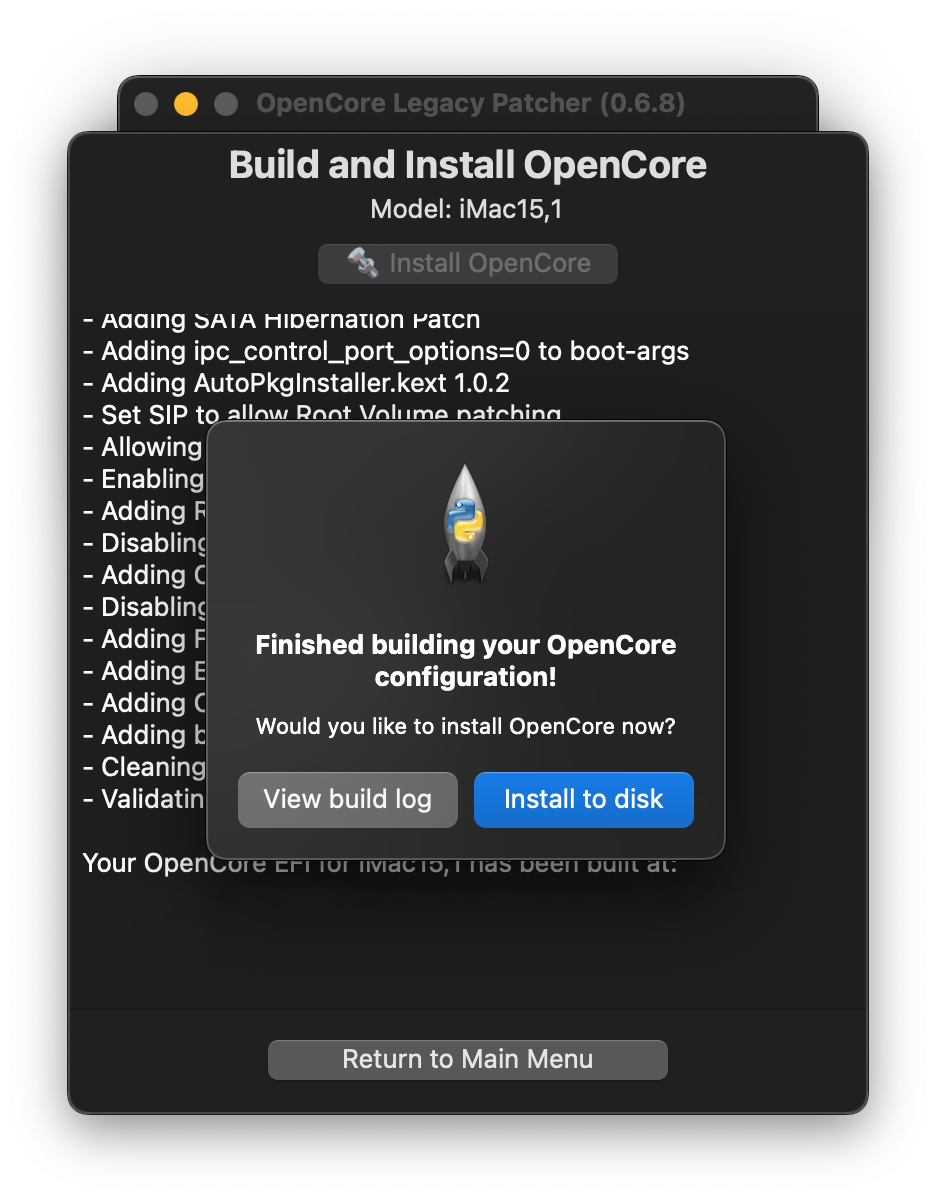 |
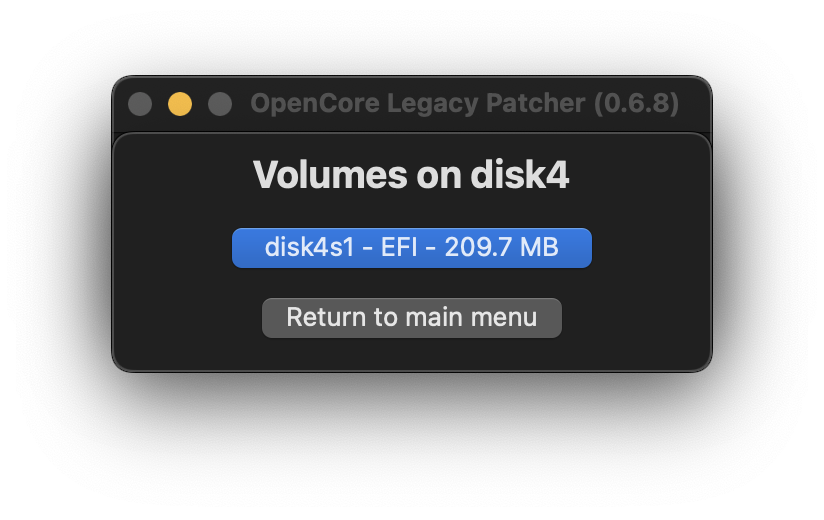
Once it finishes building, you'll want to select the disk to install to:
- If you created a macOS USB manually and don't see it listed, make sure it's either formatted as GUID/GPT or has a FAT32 partition for OpenCore to reside on.
| Select Drive | Select Partition |
|---|---|
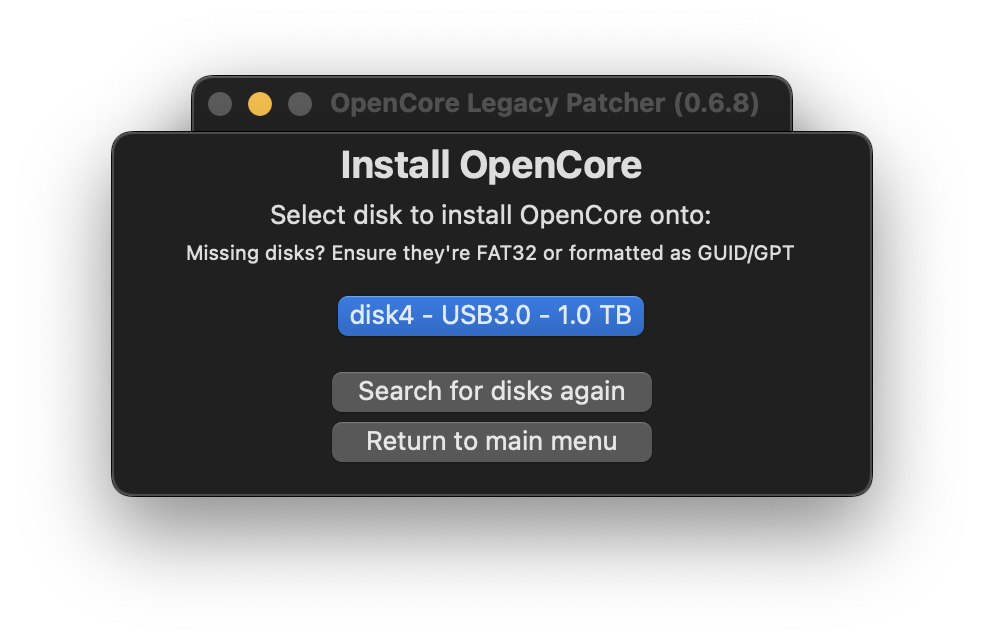 |  |